A car maintenance log that knows exactly what every vehicle is costing you — service, repairs and fuel, with cost per mile calculated automatically. No formulas to build, no setup beyond listing your vehicles once.
Instant download · Excel, Google Sheets, LibreOffice & Numbers · Secure checkout via Gumroad
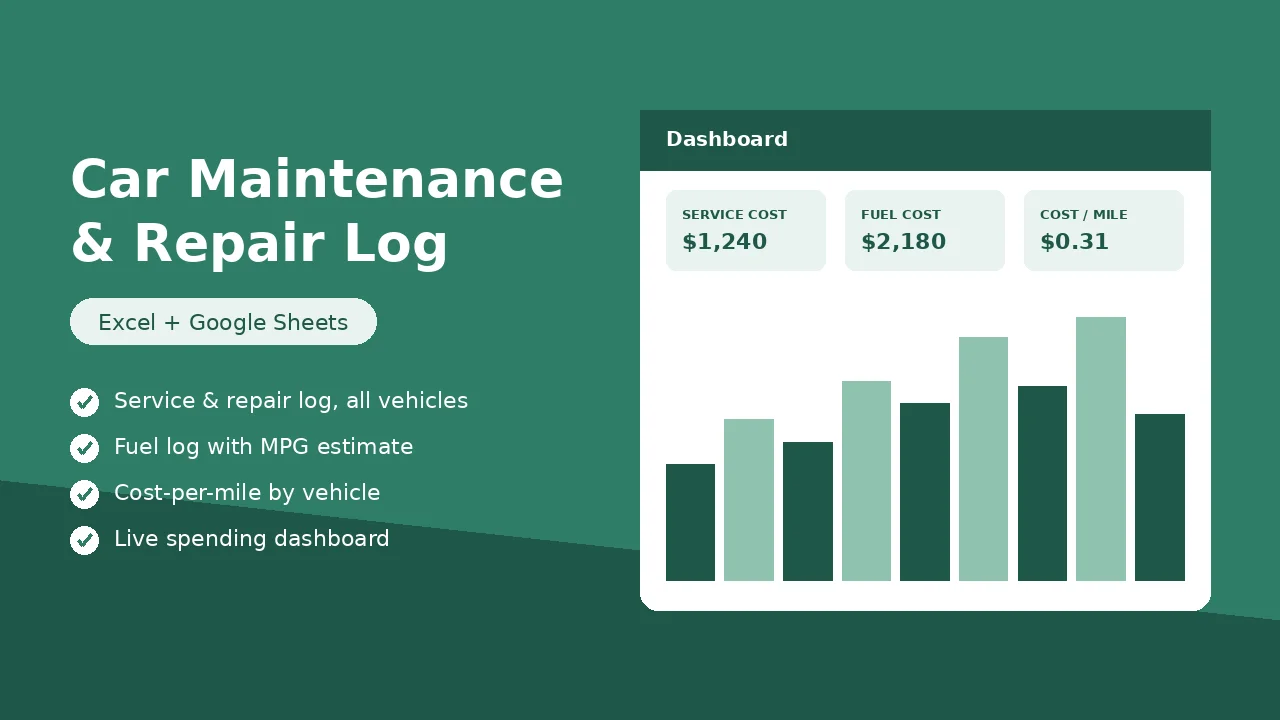
This is the Dashboard sheet — it fills in automatically as you log services and fill-ups. Nothing to build.
Monthly spend · service vs. fuel
| Date | Vehicle | Category | Cost | Status |
|---|---|---|---|---|
| Jan 14 | Family SUV | Oil Change | $64.99 | Logged |
| Feb 02 | Work Truck | Tires & Wheels | $39.00 | Logged |
| Mar 19 | Family SUV | Brakes | $310.50 | Logged |
Settings, Service Log and Fuel Log use dropdowns and pre-built formulas — the dashboard updates instantly.
Open Settings and list each vehicle — nickname, year, make, model and starting mileage. Track up to 8 vehicles in one file.
Every service, repair and fill-up gets one row. Dropdowns keep vehicles, categories and payment methods consistent all year.
Cost per vehicle, cost per mile, estimated MPG, spend by category and a monthly chart — all computed automatically.
Yes. Upload the file to Google Drive or use File → Import in Sheets. All formulas, dropdowns and the chart carry over.
No — one payment, the file is yours forever. Use it for as many vehicles and years as you like.
Up to 8 vehicles per file. List each one on the Settings sheet and it appears in every dropdown and on the dashboard automatically.
The dashboard uses your odometer readings from the Fuel Log to estimate miles driven, then divides total cost or gallons used by that figure per vehicle.
400 rows in the Service Log and 400 rows in the Fuel Log — plenty for years of upkeep on multiple vehicles.