50/30/20 Personal Budget Tracker

A personal budget spreadsheet that knows exactly how much of your paycheck went to Needs, Wants and Savings — and how that compares to your targets. No formulas to build, no setup beyond typing your income once.

Get it for $9 →

Instant download · Excel, Google Sheets, LibreOffice & Numbers · Secure checkout via Gumroad
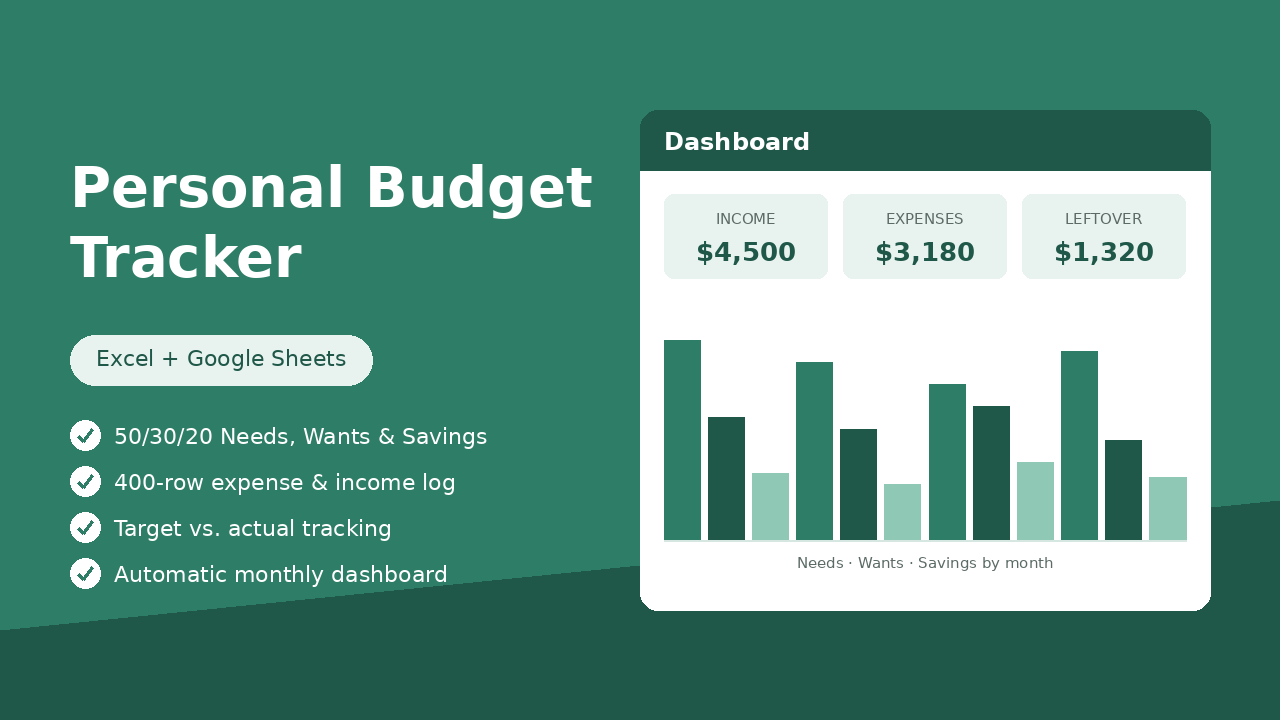
Personal Budget Tracker dashboard preview with income, expenses and leftover tiles

See inside the workbook

This is the Dashboard sheet — it fills in automatically as you log income and expenses. Nothing to build.

Personal Budget Tracker.xlsx — Dashboard
Income (YTD)$4,500
Expenses (YTD)$3,180
Leftover (YTD)$1,320
Needs vs. target48%

Needs · Wants · Savings by month

DateCategoryGroupAmountAccount
Jan 03RentNeeds$1,400
Jan 09Dining OutWants$64Credit Card
Jan 14Emergency FundSavings$200

Income, Expenses and Settings sheets use dropdowns and pre-built formulas — the dashboard updates instantly.

How it works

1. Set your targets

Open Settings, enter your average monthly take-home income and confirm your Needs/Wants/Savings split (50/30/20 is the default starting point).

2. Log as you go

A few minutes a week: record deposits in Income, purchases in Expenses. Dropdowns keep every category consistent all year.

3. Read the dashboard

YTD totals, target vs. actual by group, top categories and a monthly chart — all computed automatically.

Questions

Does it work in Google Sheets?

Yes. Upload the file to Google Drive or use File → Import in Sheets. All formulas, dropdowns and the chart carry over.

Is this a subscription?

No — one payment, the file is yours forever. Duplicate it each January for a new year.

What if 50/30/20 isn't the right split for me?

Change the target percentages any time in Settings — the Dashboard and every comparison update to match. You can also re-tag any category as Needs, Wants or Savings.

How many entries does it hold?

400 rows each for Income and Expenses — plenty for a full year of everyday budgeting.