Rental Property Tracker

A rental property income tracker that knows exactly what came in, what went out, and who still owes rent — property by property. No formulas to build, no setup beyond listing your properties once.

Get it for $12 →

Instant download · Excel, Google Sheets, LibreOffice & Numbers · Secure checkout via Gumroad
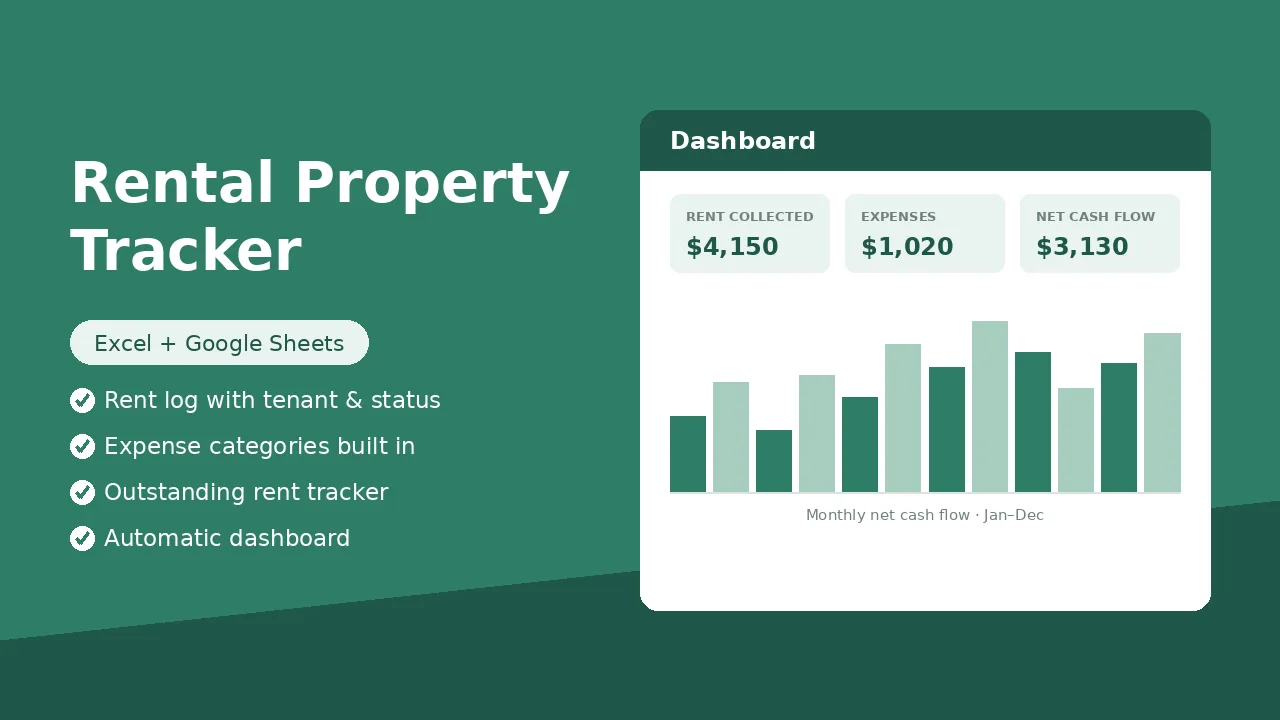
Rental Property Tracker dashboard preview with rent collected, expenses and net cash flow tiles

See inside the workbook

This is the Dashboard sheet — it fills in automatically as you log rent and expenses. Nothing to build.

Rental Property Tracker.xlsx — Dashboard
Rent Collected (YTD)$18,600
Expenses$5,140
Net Cash Flow$13,460
Outstanding Rent$1,350

Net cash flow · Jan–Aug

DatePropertyTenantAmountStatus
Aug 01123 Maple St, Unit AJ. Rivera$1,450
Aug 01123 Maple St, Unit BK. Nguyen$1,350Late
Aug 0347 Oak AveD. Carter$1,900

Rent Log, Expense Log and Settings sheets use dropdowns and pre-built formulas — the dashboard updates instantly.

How it works

1. List your properties

Open Settings and add each property's name, address and target monthly rent — these names power every dropdown in the workbook.

2. Log as you go

Ten minutes a week: record rent payments in the Rent Log, costs in the Expense Log. Dropdowns keep categories and statuses consistent all year.

3. Read the dashboard

Rent collected, expenses, net cash flow, outstanding rent and a per-property breakdown — all computed automatically.

Questions

Does it work in Google Sheets?

Yes. Upload the file to Google Drive or use File → Import in Sheets. All formulas, dropdowns and the chart carry over.

Is this a subscription?

No — one payment, the file is yours forever. Keep one copy per calendar year.

How many properties does it support?

Up to 10 properties in the Settings list, each with its own line in the per-property dashboard breakdown.

How many entries does it hold?

400 rows each for the Rent Log and Expense Log — plenty for a year across several properties.