A subscription tracker that turns every streaming plan, SaaS tool and membership into one honest monthly number — and warns you before the next renewal hits. No formulas to build, no setup beyond your budget.
Instant download · Excel, Google Sheets, LibreOffice & Numbers · Secure checkout via Gumroad
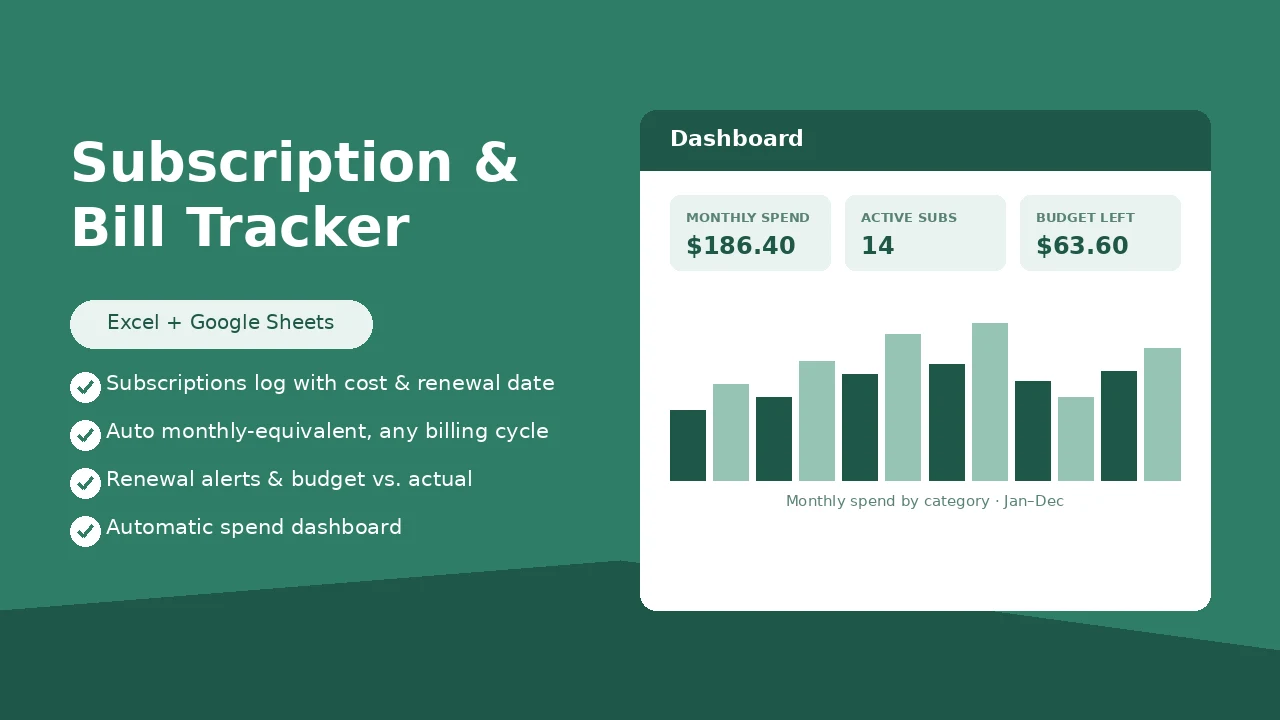
This is the Dashboard sheet — it fills in automatically as you log subscriptions and payments. Nothing to build.
Monthly paid trend · Jan–Aug
| Service | Category | Cycle | Monthly | Status |
|---|---|---|---|---|
| Netflix | Streaming | Monthly | $15.49 | Active |
| Adobe CC | Software | Yearly | $19.99 | Active |
| Xbox Game Pass | Gaming | Monthly | $16.99 | Paused |
Subscriptions, Payment Log and Settings sheets use dropdowns and pre-built formulas — the dashboard updates instantly.
Open Settings and enter your target monthly subscription spend, plus the renewal alert window — the dropdown lists live here too.
Add one row per service to the Subscriptions log: cost, billing cycle, renewal date, status. The Monthly Equivalent column does the math for you.
Monthly spend, budget vs. actual, spend by category, upcoming renewals and a trend chart — all computed automatically.
Yes. Upload the file to Google Drive or use File → Import in Sheets. All formulas, dropdowns and the chart carry over.
No — one payment, the file is yours forever. Duplicate it each year to keep your history clean.
Every subscription gets a Monthly Equivalent column that converts yearly, quarterly and weekly costs to a monthly number automatically, so you can compare a $120/year plan against a $10/month plan directly.
400 rows in the Subscriptions log and 400 rows in the Payment Log — enough for years of recurring charges.