Freelancer Finance Tracker
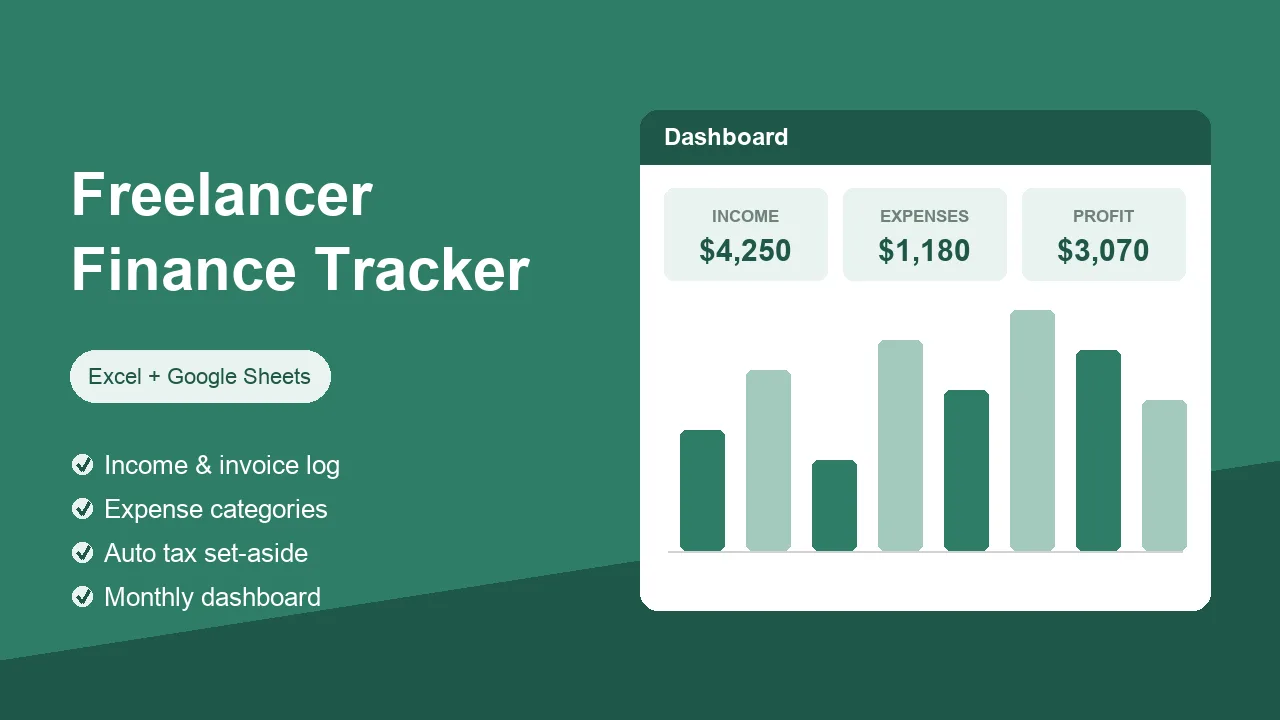
A freelance income tracker that knows exactly where your money goes — and how much to set aside for tax. No formulas to build, no setup beyond typing one tax rate.
- Income log — clients, projects, invoice numbers, paid / unpaid / overdue status
- Expense log — nine sensible categories with dropdowns, doubling as a small business expense tracker
- Automatic dashboard — monthly income, expenses, profit and a chart
- Tax set-aside — set your % once, see what to reserve each month
- Awaiting payment — one number showing every unpaid invoice
PDF · US Letter + A4 · Instant download
Instant download · Excel, Google Sheets, LibreOffice & Numbers · Secure checkout via Gumroad